Page 72 FTDX1200 Operating Manual

TRANSMITTER CONVENIENCE FEATURES Cont'd

Previous Page    Index of Topics    Table of Contents    Index of Pages    Next Page

VOICE MEMORY (SSB/AM/FM MODES: REQUIRES OPTIONAL DVS-6 AND FH-2) Cont'd


Transmitting the Recorded Message

    1. Select the LSB, USB, AM or FM mode using the front panel [MODE] buttons.

    2. Press the front panel [BK-IN] button.

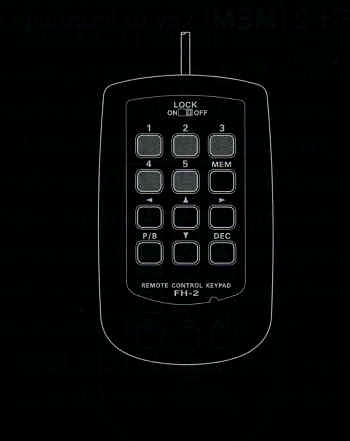
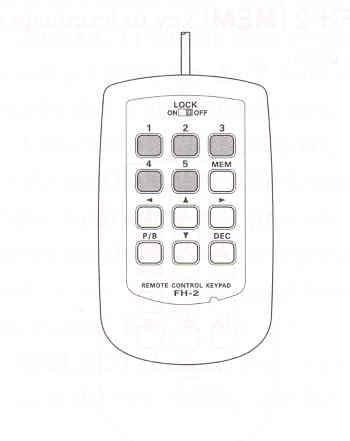
    3. Press the FH-2 [1] ~ [5] key (whichever one you just recorded in). A "PLAY icon will appear in the display and the message will be transmitted.
ADVICE:
You may adust the transmit (audio) level of the recording via Menu item "017 TX OUT LEVEL".


End of "Voice Memory (SSB/AM/FM Modes: Requires Optional DVS-6 and FH-2)"

Cont'd Next Page "Transmitter Convenience Features"

Previous Page    Index of Topics    Table of Contents    Back to Top    Index of Pages    Next Page

Page 72 FTDX1200 Operating Manual